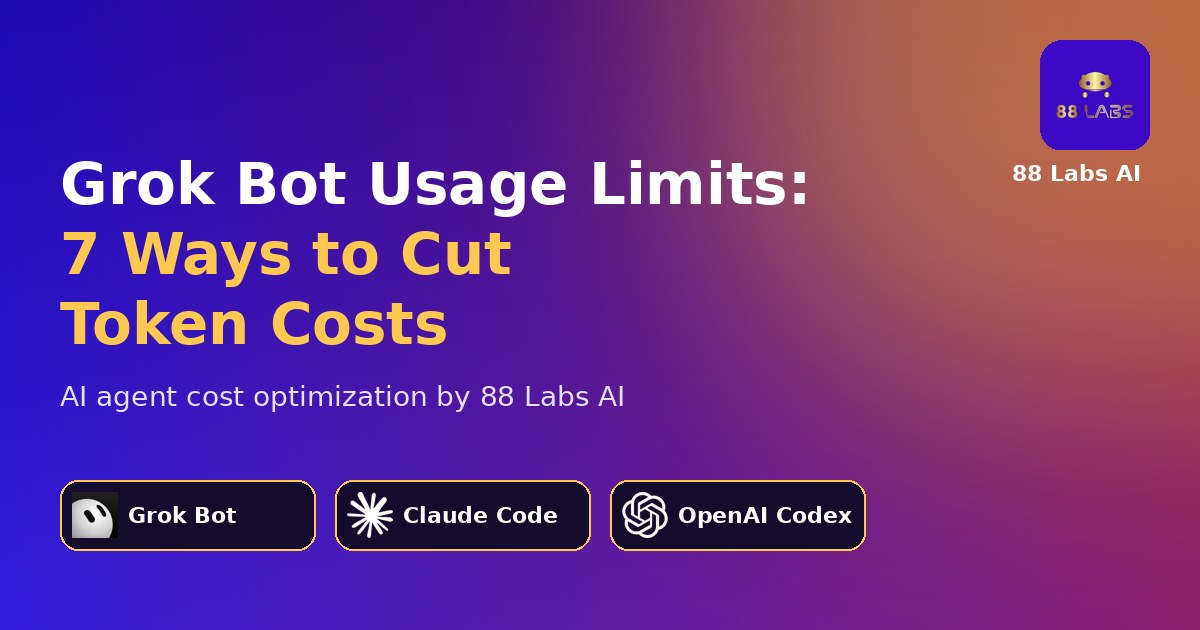
Hermes Agent + ElevenLabs: Build a Self-Improving Voice AI
Combine the autonomous learning of Hermes Agent with ElevenLabs ultra-realistic TTS to build a lifelike, self-improving voice AI that can make phone calls, manage schedules, and interact in real time.
88 Labs AI
Editorial Team
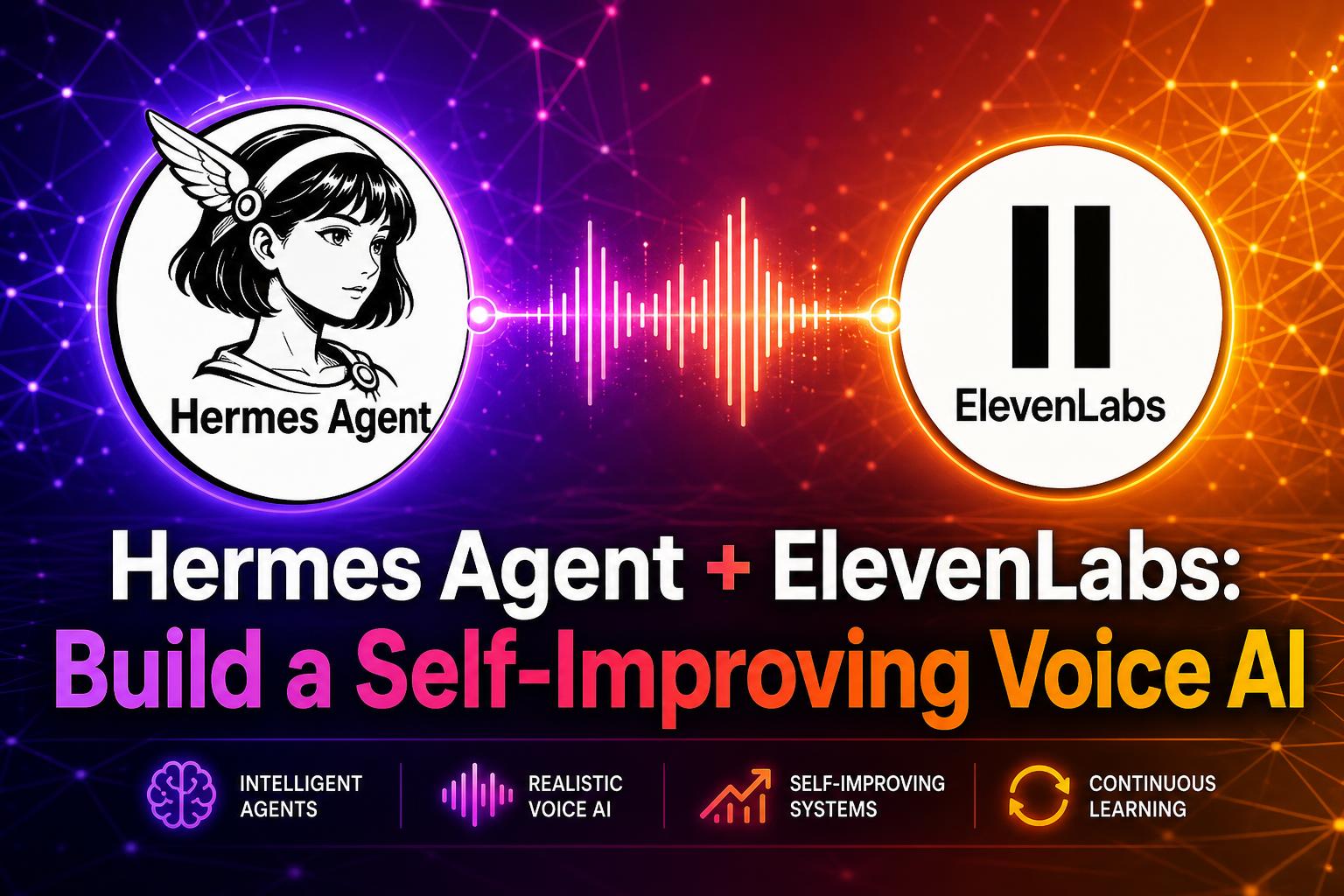
A Self-Improving Voice AI in One Stack
Combining the autonomous learning power of the Hermes Agent framework with the ultra-realistic text-to-speech of ElevenLabs creates a lifelike, self-improving AI voice assistant. Wire them together once and you get an agent that can make phone calls, manage schedules, and interact naturally in real time — with a voice that actually sounds like a person, not a robot.
This is the stack we use at 88 Labs AI for clients who want a voice agent in production in days instead of six months.
How They Work Together
Hermes Agent — Built by Nous Research, Hermes is an open-source, self-hosted AI agent that learns from your tasks, remembers past conversations, and dynamically builds new skills. Because it runs on your own infrastructure, you own the model weights, the memory store, and the tool calls end-to-end.
ElevenLabs — They provide the industry-leading multimodal voices. You can use ElevenLabs Conversational AI Agents or the raw TTS API to give your Hermes agent a highly expressive, customizable voice in 30+ languages.
The Connection — By routing conversation turns through the ElevenLabs Conversational AI Agent, Hermes responds as a standard LLM backend, but its outputs are spoken aloud with premium, emotionally aware ElevenLabs voices. ElevenLabs handles the audio loop (microphone, voice activity detection, interruption, speaker boost); Hermes handles reasoning, memory, and tool use.
The result: an agent that thinks like Hermes and speaks like a human.
Setting Up the Integration
1. Configure Your Hermes Backend
Hermes runs on your own server or VPS. Start the Hermes gateway and expose it on an HTTPS endpoint with an OpenAI-compatible `/v1/chat/completions` route. Configure it for voice input by enabling:
2. Set Up the ElevenLabs Voice
In the ElevenLabs Dashboard, create a new Conversational AI Agent. Pick a voice from the Voice Library or clone your own. Tune `stability` to 0.4–0.5 for natural conversation and turn on `use_speaker_boost` for phone-quality clarity.
3. Configure the LLM
Inside the Agent's LLM settings, select Custom LLM and paste your Hermes API server URL and key. ElevenLabs will now send every user turn to Hermes and stream the response back into its TTS pipeline.
4. Connect a Phone Number (Optional)
If you want your agent to make or receive phone calls, link a communication platform like Twilio directly to your ElevenLabs Dashboard. Inbound calls hit ElevenLabs, get transcribed in real time, routed to Hermes, and answered with the ElevenLabs voice — all under one second of latency end-to-end.
What This Unlocks
Once Hermes + ElevenLabs are wired together, you get a voice agent that can:
Why This Stack Wins
Most voice agent stacks force a trade-off: either you get a smart agent with a robotic voice, or a beautiful voice on a dumb scripted backend. Hermes + ElevenLabs removes that trade-off.
You own the brain (Hermes, self-hosted, fine-tunable). ElevenLabs owns the voice (best-in-class, low latency, multilingual). The seam between them is a single Custom LLM endpoint — which means you can swap either side out later without rebuilding the whole agent.
If you want a voice agent deployed on this stack in days, see your free demo.
Ready to see this in action?
Get a free, personalized demo of an AI agent built for YOUR business.
Get Your Free Demo