Grok Bot 1.0: New Features for Teams, Meetings and Slack
Grok Bot 1.0 adds Team Bots, Slack and Microsoft Teams, Zoom and Meet calls, proactive work and shared connectors. Here is what is new and how to use it.
88 Labs AI
Editorial Team
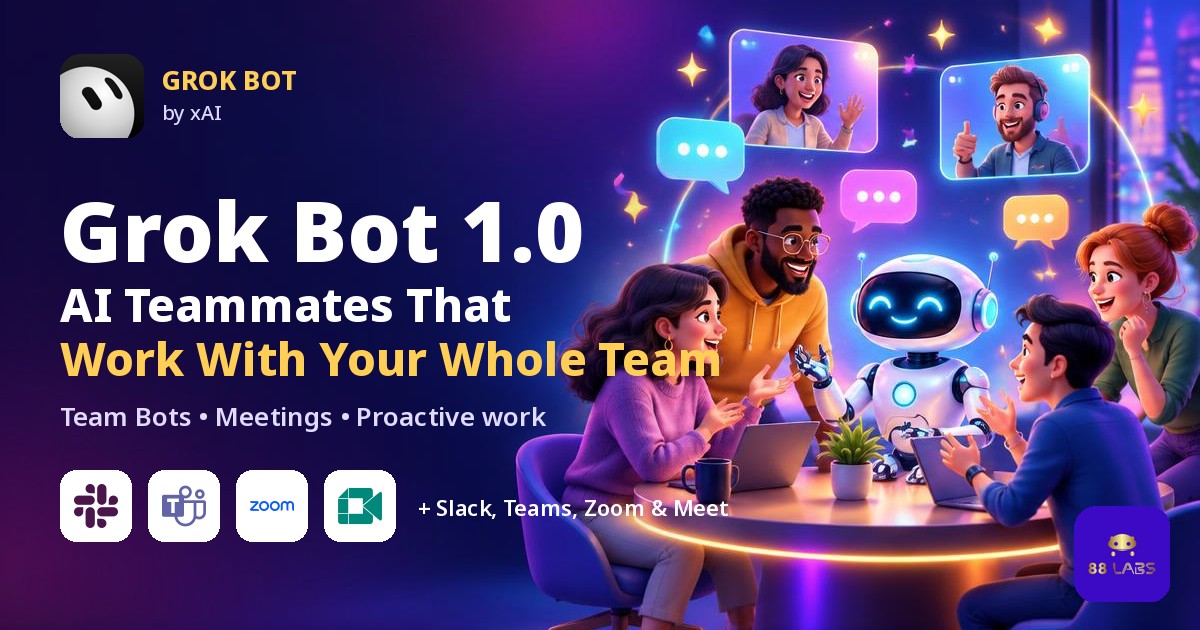
xAI has taken Grok Bot out of beta. Grok Bot 1.0 turns a Bot from a personal assistant into an AI teammate your whole team can share. You can talk to it in Slack, Microsoft Teams and video calls, and it offers to take on work without being asked. Here is what is new, who gets it, and how 88 Labs AI recommends putting it to work in your business.
Sources: xAI's Grok Bot 1.0 announcement and the Grok Bot changelog.
What is Grok Bot 1.0?
xAI announced Grok Bot 1.0 on November 2, 2026, calling it a major update to its AI teammates. The app itself reached version 1.0 (shipped as 1.0.1) on November 11, 2026. xAI groups the changes into three big improvements:
Grok Bot 1.0 new features at a glance
Team Bots: one AI teammate for the whole team
With Team Bots, everyone on a team works with the same Bot. As it works with different people, it learns the team's work and how each person contributes. In 1.0 you can share a Team Bot with specific people or groups instead of only the whole team.
Review learnings: you approve what the Bot learns
What teammates teach a Team Bot now waits under Review learnings until the owner or a Manager approves it. This keeps one person's bad habit from becoming the Bot's default for everyone.
Grok Bot in Slack and Microsoft Teams
Team Bots already worked in Slack. Version 1.0 adds Microsoft Teams: a team admin turns it on, an owner or Manager connects the Bot, and a Teams admin approves it. In group conversations, Bots follow who is involved and can add relevant information or offer to pick up a task.
Grok Bot joins Google Meet, Zoom and Teams calls
On Team, Enterprise and Ultra plans, a Bot can join a Google Meet, Zoom or Microsoft Teams call from a link, answer in the meeting chat, and send a summary afterward. It can bring in information from earlier conversations and keep track of decisions.
Proactive work
Bots can recognize work that needs doing and offer to take it on. They follow up on unfinished tasks, anticipate what the team needs next, and bring people in when a decision needs human judgment. xAI says Bots respect each person's permissions, ask before sensitive actions, and check whether information is appropriate to share in a public channel.
Shared connectors and sharing controls
Smaller upgrades worth knowing
Which Grok Bot plans get the new features?
Based on xAI's documentation and changelog:
xAI's announcement does not list new prices, so check xAI's Grok Bot page for current plan pricing before you buy.
How businesses can use Grok Bot 1.0: 88 Labs AI ideas
Here is how we would put the new features to work for a small or mid-sized team:
1. Meeting follow-through: invite a Team Bot to weekly client or sales calls. Have it post the summary, owners and due dates in Slack or Teams right after.
2. One shared operations Bot: give ops, sales and support the same Bot so it learns how hand-offs really work. Use Review learnings to approve only the processes you want repeated.
3. Proactive deadline chasing: let the Bot nudge people about unfinished tasks instead of a manager doing it by hand.
4. Sales prep: before a call, have the Bot pull past conversations and draft a one-page brief and a short slide deck.
5. Customer feedback loop: during a launch, let one Bot collect customer reactions and another update campaign copy once the team approves the direction. xAI gives this kind of Research Bot and Copy Bot hand-off as an example.
Grok Bot 1.0 pros and cons
Pros
Cons
The 88 Labs AI take
Grok Bot was already the easiest AI agent to set up for business. With 1.0, it becomes something your whole team uses, not just one power user. The new features are strongest when you set them up on purpose: decide which Bot owns which job, who approves its learnings, and which logins it can use. Getting that right on day one saves weeks of cleanup later.
Want help? 88 Labs AI sets up Grok Bot for teams, including Team Bots, Slack or Teams connections, meeting workflows and approval rules. See your free demo or explore our Grok Bot setup service. You can also read our Grok Bot cost-saving tips or go back to the 88 Labs AI homepage.
Frequently asked questions
What is Grok Bot 1.0?
Grok Bot 1.0 is xAI's first major release of its AI teammates after the beta. Bots can be shared by a whole team, used in Slack, Microsoft Teams and video calls, and can offer to take on work.
When did Grok Bot 1.0 launch?
xAI announced it on November 2, 2026. The app version 1.0.1, which includes 1.0.0, shipped on November 11, 2026.
Can Grok Bot join Zoom or Google Meet calls?
Yes. On Team, Enterprise and Ultra plans, a Bot can join Google Meet, Zoom or Microsoft Teams calls from a link, answer in the meeting chat and send a summary afterward.
Does Grok Bot work in Microsoft Teams?
Yes. Team Bots can join Microsoft Teams once a team admin turns it on, an owner or Manager connects the Bot, and a Teams admin approves it.
What are Team Bots in Grok Bot?
Team Bots are Bots that everyone on a team can use. They learn from everyone they work with, and what teammates teach them waits for approval under Review learnings.
How much does Grok Bot 1.0 cost?
xAI's announcement does not list new prices. Team Bots are on Team and Enterprise plans, and meetings are on Team, Enterprise and Ultra plans. Check xAI's site for current pricing.
Ready to see this in action?
Get a free, personalized demo of an AI agent built for YOUR business.
Get Your Free Demo