Claude Managed Agents: A Hands-On Quickstart for Production AI Agents
Anthropic now hosts the agent runtime for you — containers, sessions, tools, and streaming. Here is how to spin up your first Claude Managed Agent in under 10 minutes.
88 Labs AI
Editorial Team
# Claude Managed Agents: A Hands-On Quickstart for Production AI Agents
For the last two years, "building an agent" meant writing your own loop: model call, tool dispatch, sandbox, state, retries, timeouts. Every team rebuilt the same plumbing. Anthropic just made most of that plumbing disappear.
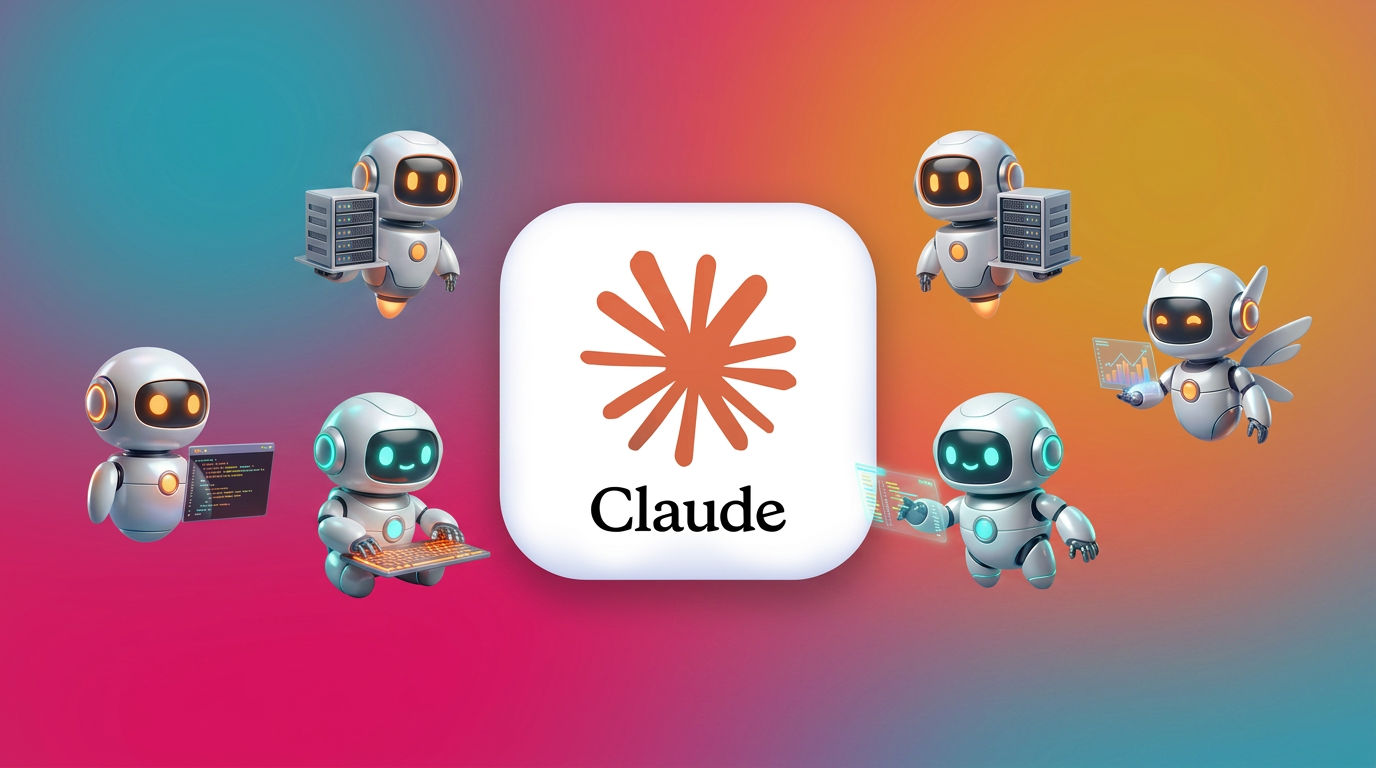
[Claude Managed Agents](https://platform.claude.com/docs/en/managed-agents/quickstart) is Anthropic's hosted agent runtime. You define the agent, point at an environment, open a session — Anthropic runs the container, executes the tools, and streams events back. No infrastructure to operate. This post walks through the quickstart end-to-end and explains where each piece fits in a real deployment.
The Four Concepts
Managed Agents is built on four primitives. Internalize these and the API stops feeling magical:
If you've used Claude Code, the mental model is the same — Anthropic just exposed it as an API.
Prerequisites
You need an Anthropic Console account and an API key. All Managed Agents requests require the `managed-agents-2026-04-01` beta header, but the official SDKs set it automatically.
Install the CLI and Python SDK:
```bash
brew install anthropics/tap/ant
pip install anthropic
export ANTHROPIC_API_KEY="your-api-key-here"
```
The `ant` CLI is the fastest way to poke at the API without writing code. The SDK is what you'll ship.
Step 1 — Create an Agent
```bash
ant beta:agents create \
--name "Coding Assistant" \
--model '{id: claude-opus-4-7}' \
--system "You are a helpful coding assistant. Write clean, well-documented code." \
--tool '{type: agent_toolset_20260401}'
```
The `agent_toolset_20260401` tool type is the killer feature here. One declaration enables the full pre-built toolset — bash, file I/O, web search, and the rest — without you wiring schemas, validators, or sandboxes. Save the returned `agent.id`; you'll reference it on every session.
Step 2 — Create an Environment
```bash
ant beta:environments create \
--name "quickstart-env" \
--config '{type: cloud, networking: {type: unrestricted}}'
```
An environment is a long-lived container template. `cloud` means Anthropic hosts it; `unrestricted` networking is fine for prototyping but you'll want allowlists in production. Save the `environment.id`.
Step 3 — Start a Session
In Python:
```python
from anthropic import Anthropic
client = Anthropic()
session = client.beta.sessions.create(
agent=agent_id,
environment_id=environment_id,
title="Quickstart session",
)
print(f"Session ID: {session.id}")
```
A session is a single task run. One agent definition can power thousands of sessions in parallel — that's the multi-tenant win.
Step 4 — Send a Message and Stream Events
You drive the session by sending user events and consuming the event stream:
```python
with client.beta.sessions.events.stream(session_id=session.id) as stream:
stream.send_user_event(content="Write a Python script that reads a CSV and prints the column averages.")
for event in stream:
if event.type == "text":
print(event.text, end="", flush=True)
elif event.type == "tool_use":
print(f"\n[tool] {event.name}({event.input})")
elif event.type == "tool_result":
print(f"\n[result] {event.output[:120]}…")
```
Tool calls execute inside the managed environment. You see them happen — you don't have to host them.
Why This Changes the Build-vs-Buy Math
We've shipped a lot of agent projects at 88 Labs, and the unglamorous truth is that 60-70% of agent build effort is infra, not intelligence: sandboxing, container lifecycle, secret handling, file persistence, streaming protocols, tool schema validation, retry policies. Managed Agents collapses that into two API calls.
What you still own:
What Anthropic now owns: everything below the agent definition line.
When to Use Managed Agents (and When Not To)
Reach for it when:
Skip it when:
For most teams shipping agents in 2026, the first list will dominate.
Where 88 Labs Comes In
We deploy production agents on the platform that fits the workload — Claude Managed Agents, custom infra, voice runtimes, or hybrid stacks — and we do it in days, not 6 months. If you're staring at the quickstart and wondering how to turn it into a revenue-generating workflow inside your business, book a free demo and we'll build the first one for you.
The infra is finally boring. The agents you point at your business are where the work — and the upside — actually lives.
Related reading: Anthropic Launches Claude Fable 5 — The Most Capable Public AI Model covers the new SWE-bench Pro leader, its safety routing, and what the $10/M token pricing means for production agents.
Ready to see this in action?
Get a free, personalized demo of an AI agent built for YOUR business.
Get Your Free Demo